Video-call backgrounds, done properly
Your logo on the wall. Your family on the desk. A room that feels like yours.
Photoreal video-call backgrounds from $9. Preview free.
Real renders from real logo files
Four rooms from one brokerage's logo file, plus two real companies' logos: a chocolate maker's in brass on brick, and an association's with the plaque and desk-photo extras switched on. Letters exact, the sign lit by the room, and the lower-center of the frame kept clear so you stay the subject. (Maple & Main Realty is a made-up brokerage; the rooms are real rooms from the catalog.)
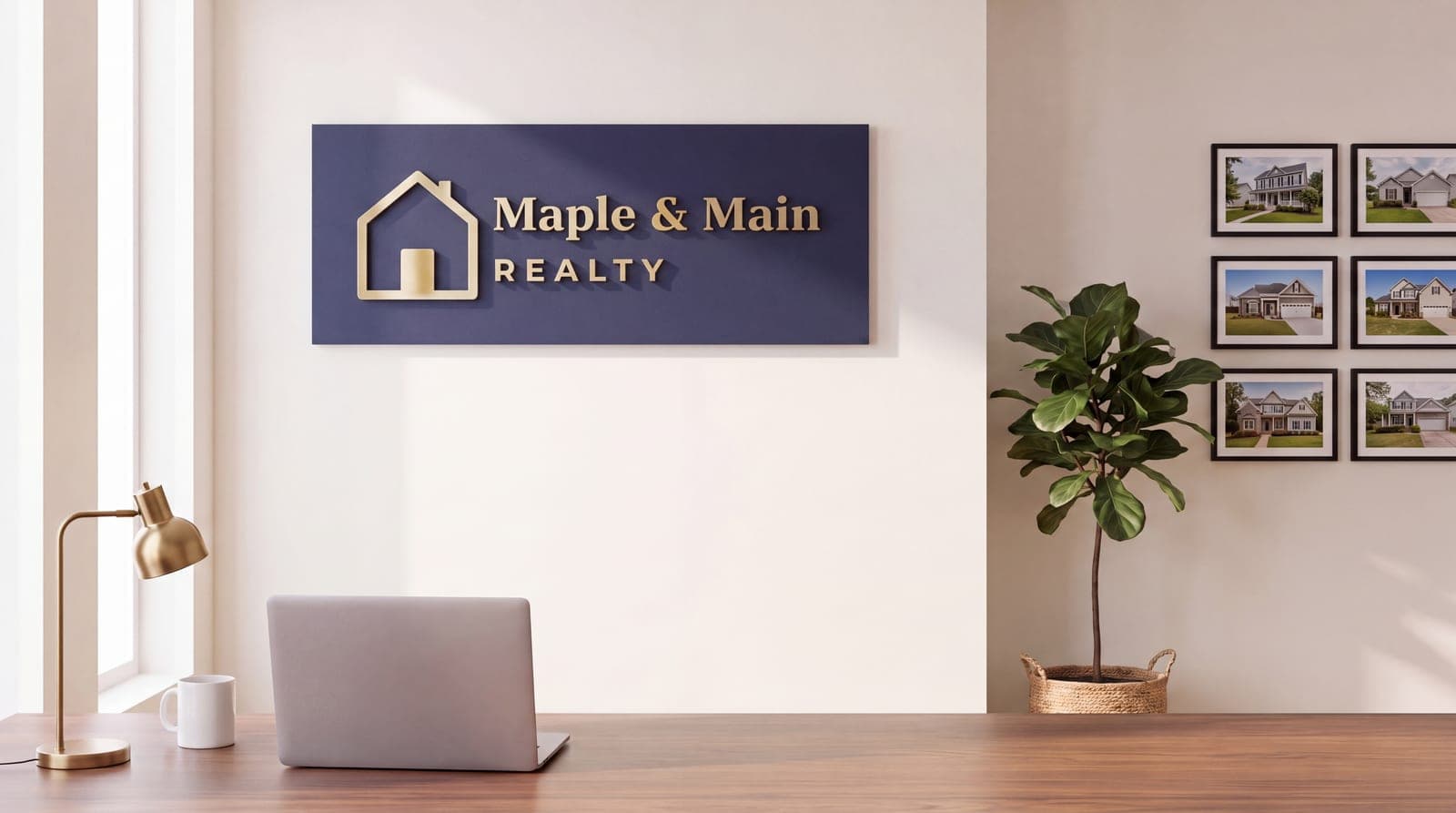
Brokerage Office

Staged Living Room
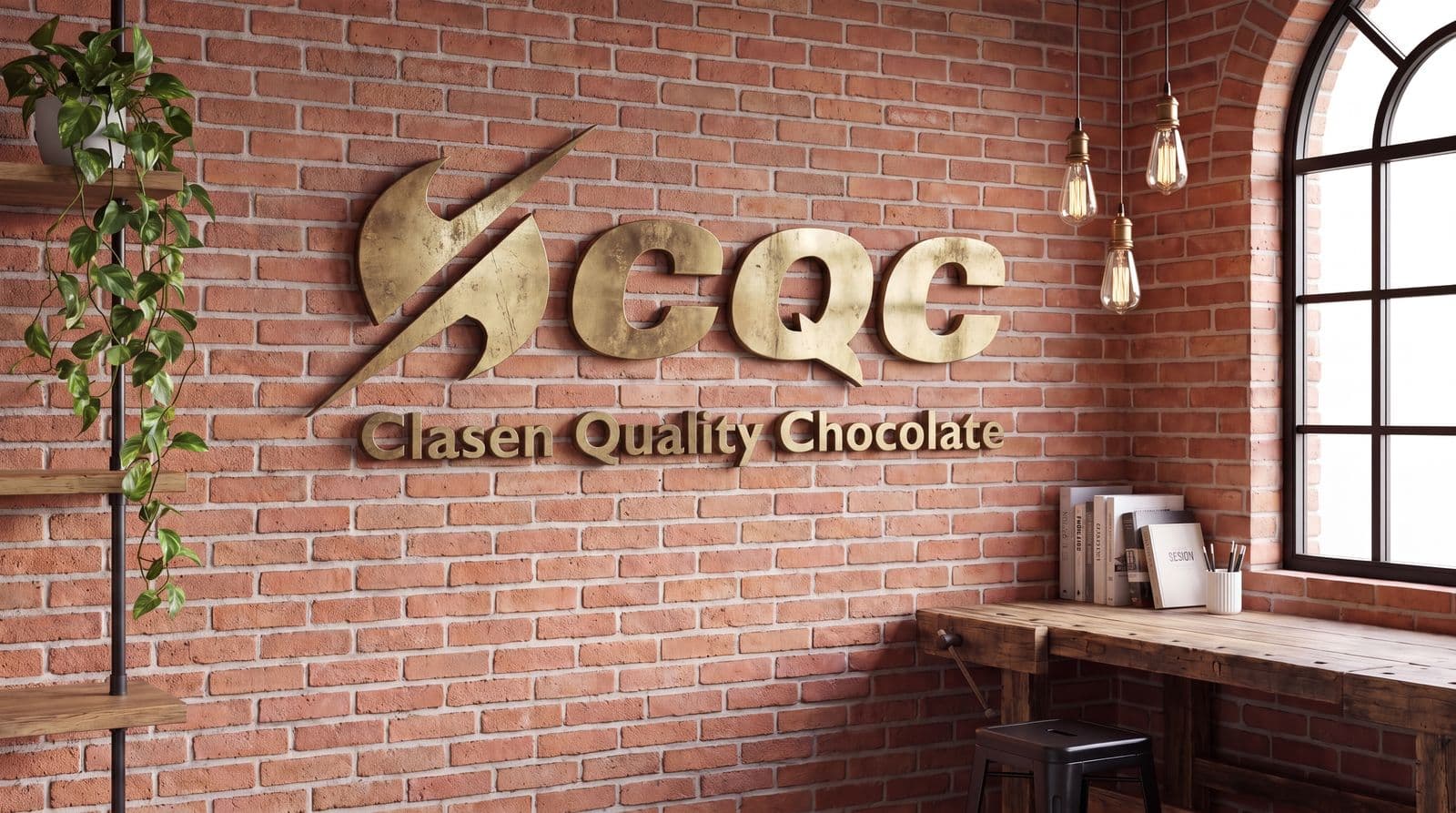
Brick Studio · a real chocolate maker’s logo, shown with permission
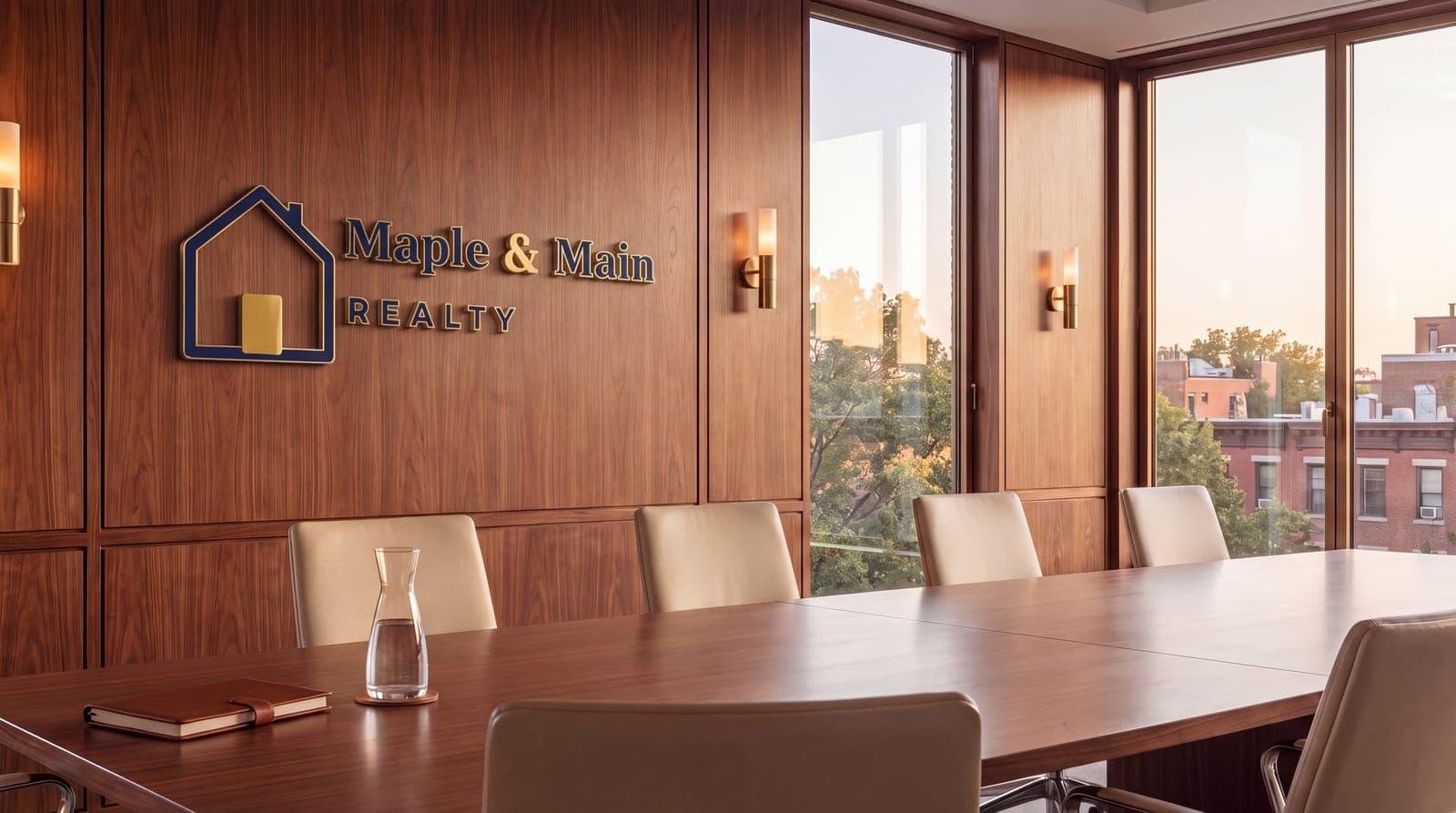
Executive Conference Room
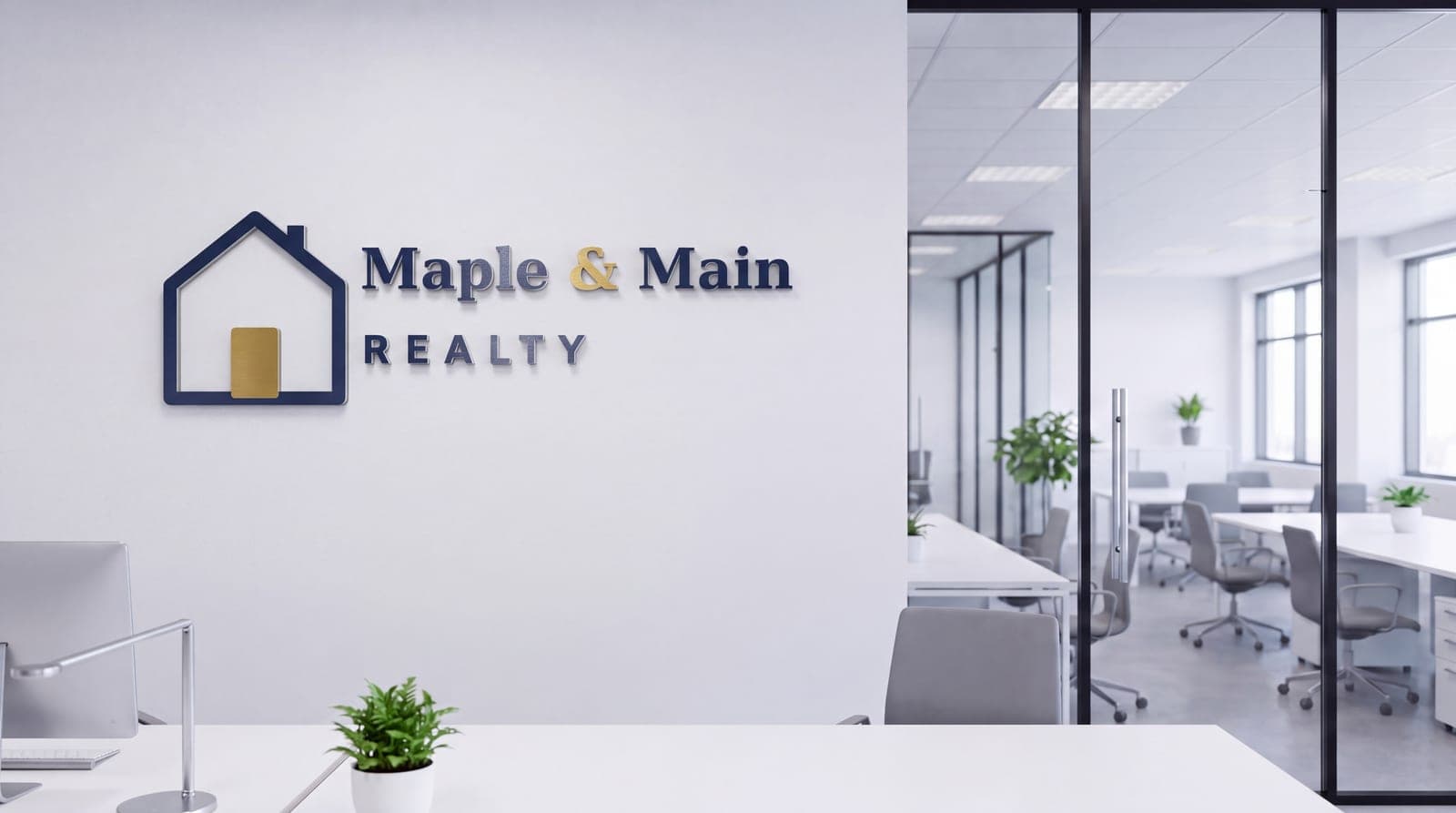
Glass Corporate Office
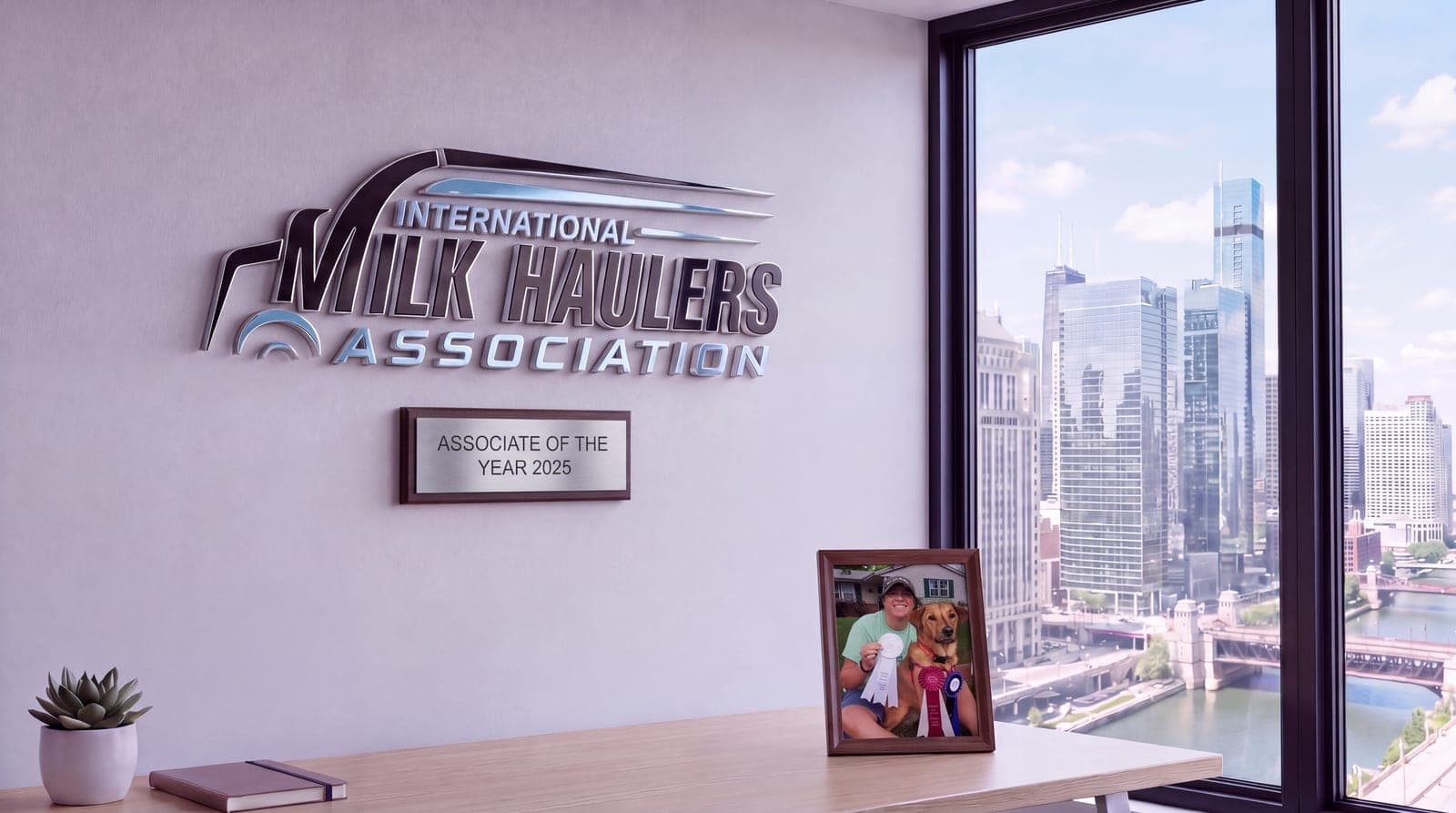
Skyline Condo Office · a real association’s logo, with the plaque and photo extras
Five rooms, one logo, one order: $29. Every picture here is a real render, not a mock-up. Plaque and photo extras are per room. See the real estate rooms →
The still you get, and what the animated version adds
Same room, same logo. The still is included with every room. The animated version is an 8-second loop that plays as a video background in Zoom; only the doorway moves, and the wall and sign never do.
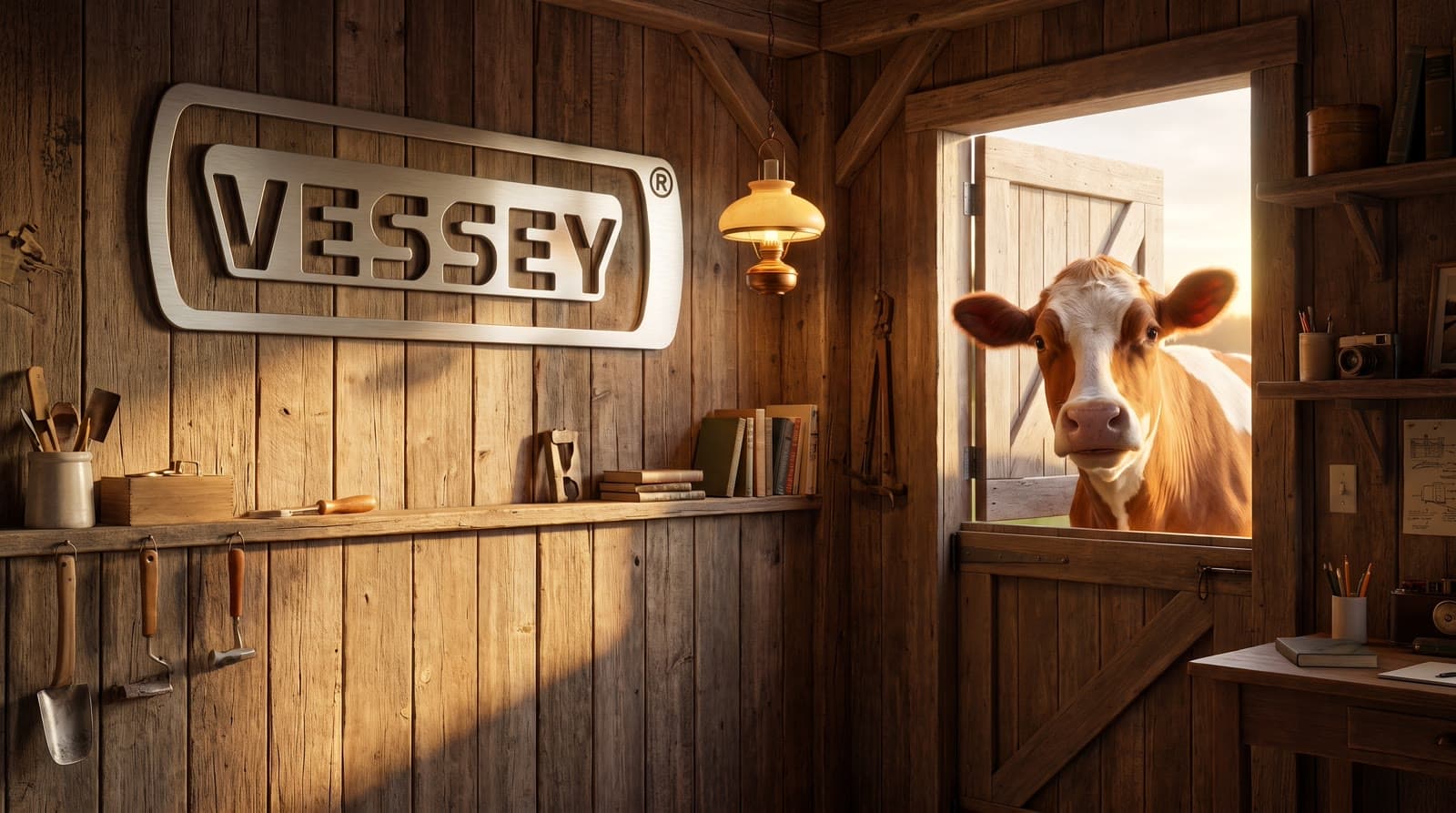
Still · included · $9
Animated for Zoom · +$10 · the Guernsey looks around, the room does not move
Personalization · +$5
Your family on the desk
Upload a photo and we place it in a real frame on the desk, lit by the room. Here it is the founder's wife, Cherie, in the dairy room where this all started. The cow keeps looking in; the wall, the sign and the frame never move. Nobody else sells this.
How it works
Step 1: Pick your rooms
Browse the gallery and tap one to five rooms — any mix of packs. Every room is shown full-size, animated ones playing. Nothing to upload yet.
Step 2: Upload your logo
PNG, SVG or JPG. Then switch on extras per room: animation, a photo on the desk, or a plaque line like “2025 Contractor of the Year”.
Step 3: Preview free
We render each room with your actual logo in about a minute. Don't love it? Up to three regenerations per room, or swap the room.
Step 4: Pay and download
4K (5504×3072) PNG and JPG, plus an 8-second seamless MP4 loop for animated rooms. Stills work in Zoom, Teams and Google Meet; the loop plays in Zoom.
Simple pricing
Previews are free and unlimited. Up to three regenerations per room. You pay once, when you download.
Still backgrounds
| 1 still background4K (5504×3072) PNG + JPG, logo on the wall — sharper than any webcam or Zoom stream needs | $9 |
|---|---|
| 3 still backgroundsMix any rooms | $19 |
| 5 still backgroundsThe whole set | $29 |
Per-room add-ons
| Animated room (Zoom)8 s seamless MP4 loop that plays as a Zoom video background, wall and logo pixel-locked. Teams and Google Meet take stills only, so the still is always included | +$10 |
|---|---|
| Photo on the deskYour family, framed, lit by the room | +$5 |
| Wall plaque or awardAny short line of text, rendered in the room | +$3 |
Other services charge $49.99 for one generic still. We'd rather you had the whole set.
Rooms for your line of work
29 rooms across 9 packs. Browse them all before you upload anything, then pick any mix.
- Motion · Zoom · Fire crackling in the fireplace
Real Estate
Staged, sunlit rooms that sell the dream before you say a word.
7 rooms · 4 animated
- Motion · Zoom · Rain running down the windows
Classic Office
Timeless professional rooms that work for any business.
4 rooms · 1 animated
- Motion · Zoom · Rain running down the window
Home Office
Warm, lived-in rooms that look like the nicest corner of your house.
4 rooms · 3 animated
- Motion · Zoom · Cows grazing outside the window
Dairy & Farm
Barn offices, Guernseys at the door, pasture out the window.
3 rooms · 2 animated
- Motion · Zoom · The shop at work through the window
Trades & Contractors
Shop offices with the tools and trucks that built your name.
2 rooms · 2 animated
- Motion · Zoom · Candles flickering under the stained glass
Church, School & Team
Parish offices and coaches’ rooms with heart.
2 rooms · 2 animated
- Motion · Zoom · Fish drifting in the aquarium
Clinic & Practice
Calm, clean consult rooms patients trust.
2 rooms · 1 animated
- Motion · Zoom · ON AIR sign glowing, visuals on the monitor
Creator & Podcast
Studio rooms with character for the camera you live on.
1 rooms · 1 animated
- Motion · Zoom · The production line running below
Plant & Factory
Plant offices that overlook the floor — the line running right behind you.
4 rooms · 2 animated
Questions
How do I add it in Zoom, Teams or Google Meet?
Zoom: Settings → Background & effects → “+” → Add image (or Add video for the MP4 loop). Teams: in a meeting choose More → Video effects → Add new, and pick the JPG or PNG. Google Meet: click Apply visual effects → Upload a background image. Only Zoom plays custom video backgrounds; Teams and Meet accept still images, so every animated room includes its still.
What resolution do I get?
Stills are delivered at 4K (5504×3072) as both PNG and JPG — sharper than any webcam or Zoom stream needs. Animated rooms ship as an 8-second 1920×1080 MP4 that loops seamlessly — the wall and your logo are pixel-locked while only the window, fireplace or doorway moves. The loop plays in Zoom; the matching still is included for Teams and Meet.
What if the preview isn't right?
You get up to three regenerations per room, free, and you can swap any room for a different one before you pay (a swapped room gets a fresh three). Previews are watermarked; the download is clean. If a paid render has a defect we can't fix, email us and we'll refund that room.
How is my logo used?
We rasterize your file, trim it, and describe its shapes, colors and letters to the image model so it can be rendered as a physical sign — raised steel, backlit acrylic, painted wood — with real shadows. Your logo is used only to make your backgrounds.
What happens to my files?
Your logo, photo and renders live in private storage and are deleted 30 days after your order. Unpaid drafts expire after 7 days. We don't create accounts or sell data; your order link is your receipt.
Will I still be visible in front of it?
Yes. Every room is composed with the sign upper-left or upper-right and the lower-center of the frame kept plain, so your logo stays visible next to your head instead of behind it.